

Make the first sign-in feel simple
Help customers get started with one-time codes and clear welcome messages. Connect verification to the experience you are building, with practical support for sender IDs and templates.
 WhatsApp Business API. Connect, support and grow through better customer conversations.New: WhatsApp Business API. Explore now
 Startups
Welcome customers, verify sign-ins and keep conversations moving across SMS, RCS, WhatsApp, Voice and email. Start with what you need. Add more as you grow.

Bring your customer messaging into one workflow. Welcome your first users, share useful updates and keep the conversation going as your startup grows.
Simple, secure customer sign-ins
Useful updates from your app
Conversations with a human touch
Campaigns for your next launch
Delivery information in one place
From the first sign-in to your next campaign, turn small interactions into reasons to stay.
Help customers get started with one-time codes and clear welcome messages. Connect verification to the experience you are building, with practical support for sender IDs and templates.
Bring your audience together, personalise an approved message and choose when it goes out. From early access to a product announcement, send something your customers will find useful.
Let customers ask questions on WhatsApp and help your team pick up the conversation. Use automated replies for familiar questions, with a person ready for the moments that need one.
Keep sender details, templates and delivery reports together as you grow. Clearer messaging, with less for your team to manage.

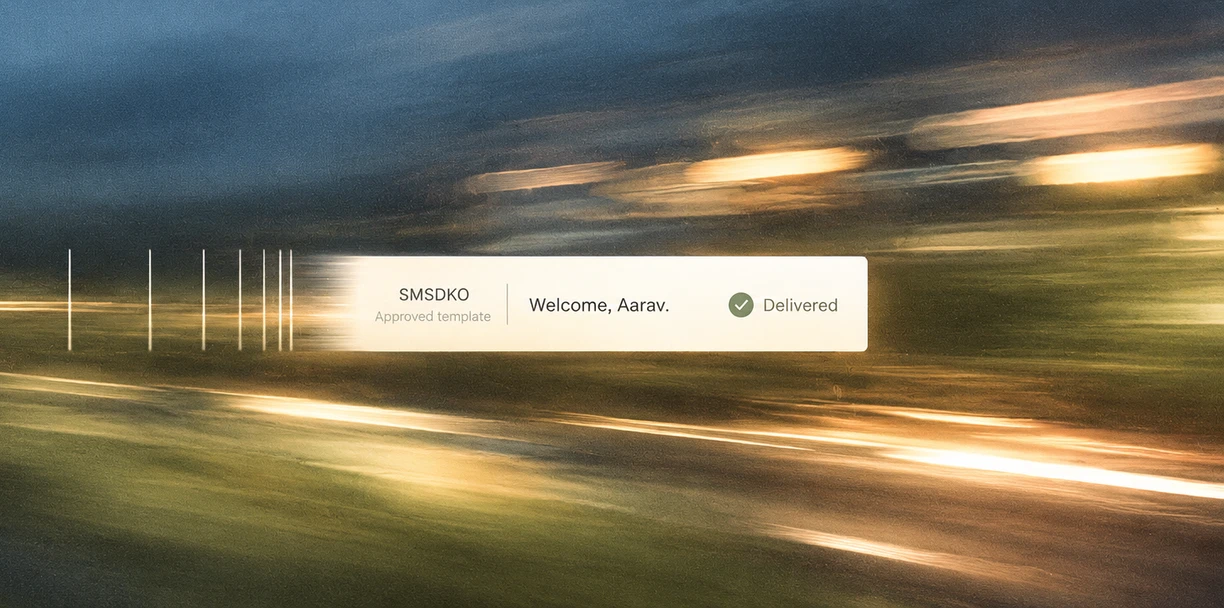
Use registered sender IDs and approved templates. Get practical help with DLT setup and the details your chosen channels need.
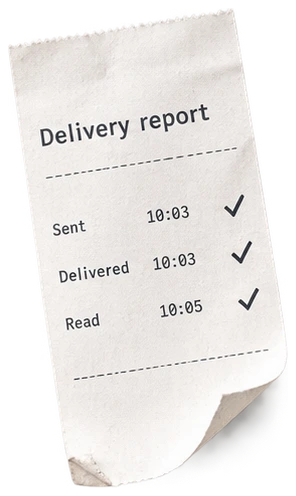
Follow sent, delivered and failed messages. Use clear delivery information to decide where to follow up.
Connect your app with the REST API and webhooks. Keep customer updates in the workflows your team already uses.
Set up your workspace, prepare your first template and connect the customer moments that matter. Start with a useful message, then build from there.
Plan the product launch
Connect delivery callbacks
Add a useful follow-up
Connect the first sign-up event
Create our SMS Dekho workspace
Prepare registered sender details
Approve the welcome template
Send the first test message
Choosing channels, connecting your product and getting your first message out. We are here to help.
Talk to our teamStart with the customer moment you need to improve. SMS can handle a useful order update or account notification. WhatsApp gives customers a place to ask questions, while RCS and email make room for richer campaigns. You can begin with one channel and add others as your needs become clearer.

Bring your next customer conversation to SMS Dekho.
Get started